01
Bring both sets
Upload the old and the new drawing set as PDFs. Sheetshift tells you what it found: pages, sheets and the title box on each.
71 old sheets and 74 new sheets checked
S-03 How it works
Two sheets
The old sheet stays put. The new sheet slides over it, and the changes stand up as pins.
This is sheet S.4 of the Gardner River High Bridge case study. Red outlines are where the old sheet differs, blue outlines where the new one does. A lime pin is a change outside every cloud found.
S-03.1 Four steps
01
Upload the old and the new drawing set as PDFs. Sheetshift tells you what it found: pages, sheets and the title box on each.
71 old sheets and 74 new sheets checked
02
Each new sheet is matched to its old version, also when it was renamed. New sheets and dropped sheets are listed.
7 pairs made, 64 old sheets not re-issued
03
Lines, shapes and words are compared on each pair. Sheetshift AI writes what changed in plain words and says which work packages it may affect.
46 changes found, 9 inside a cloud
04
One change list: assign, decide, ask the designer, and let an engineer sign off. Export it or share a link.
7 changes ranked Check first
S-03.2 Sheet pairing
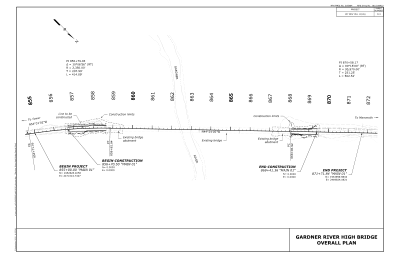
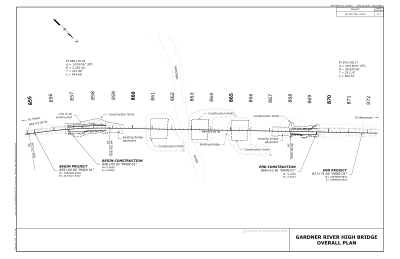
D.3 — title needs confirmation
Paired by the sheet number
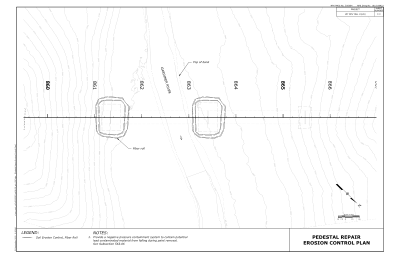
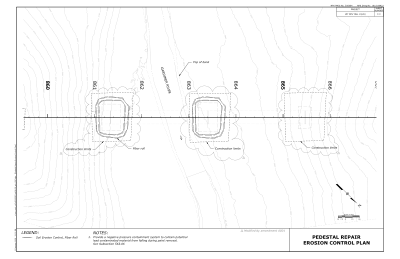
F.3 — title needs confirmation
Paired by the sheet number
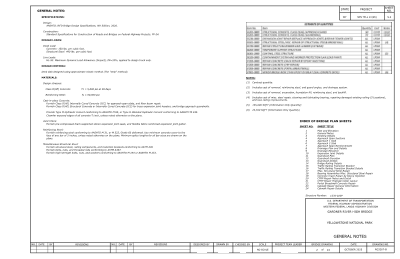
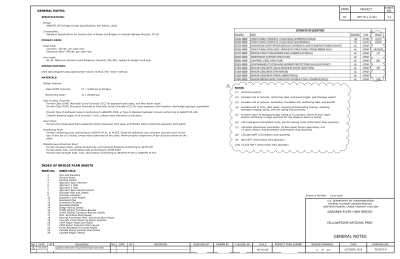
S.2 — General Notesfrom the drawing index
Paired by the sheet number
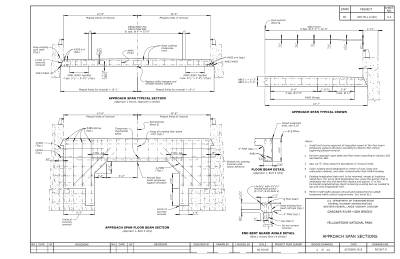
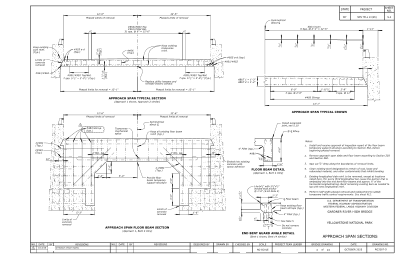
S.4 — Approach Span Sectionsfrom the drawing index
Paired by the sheet number
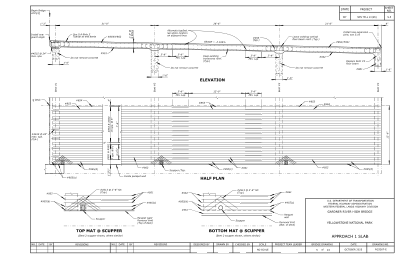
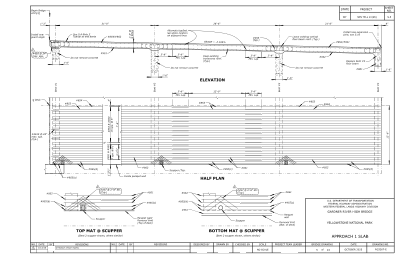
S.5 — Approach 1 Slabfrom the drawing index
Paired by the sheet number
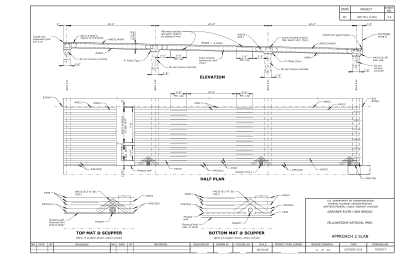
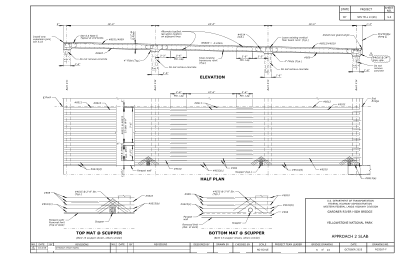
S.6 — Approach 2 Slabfrom the drawing index
Paired by the sheet number
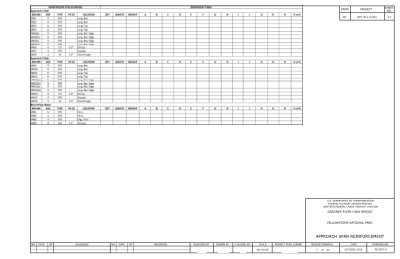
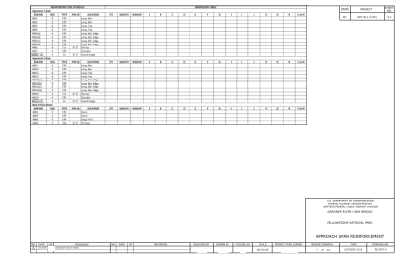
S.7 — Approach Span Reinforcementfrom the drawing index
Paired by the sheet number
S-03.3 Next